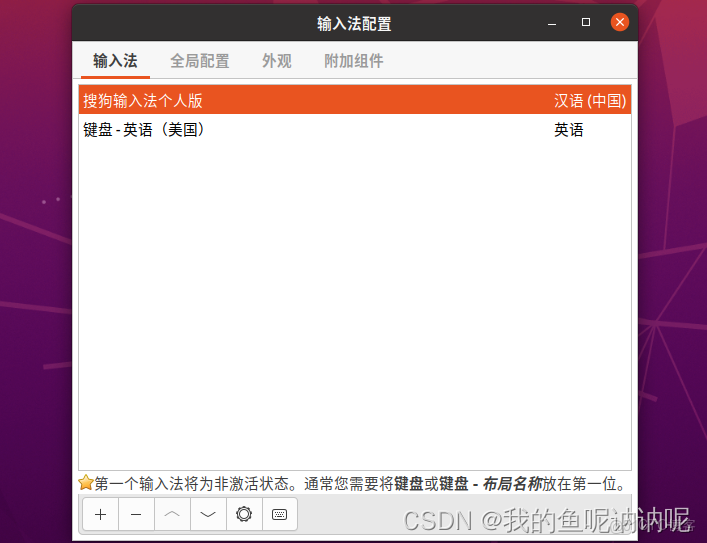
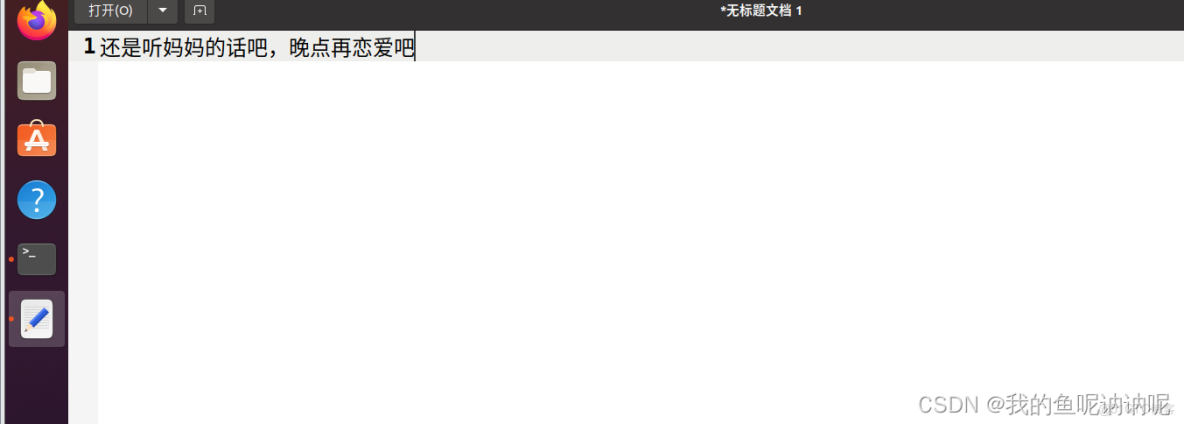
Ubuntu中fcitx安裝失敗問題的原因是ubuntu用的是國外鏡像源,部分軟件下載不了。
對策:
更換國內鏡像源可以使 Ubuntu 的第三方軟件包的下載速度大步提升,這裏以更換為阿里源為例:
源文件的相關信息在“/etc/apt/”路徑下,使用cd /etc/apt進入文件
源鏈接存放在文件[ sources.list ]中,進入文件:sudo nano sources.list
將[ sources.list ]中的內容都刪除,替換成下面阿里雲的鏈接:
1、進入阿里源官方鏡像站:
2、點擊 Ubuntu 進入:
3.下載複製對應版本的源
deb http://mirrors.aliyun.com/ubuntu/ focal main restricted universe multiverse
deb-src http://mirrors.aliyun.com/ubuntu/ focal main restricted universe multiverse

deb http://mirrors.aliyun.com/ubuntu/ focal-security main restricted universe multiverse
deb-src http://mirrors.aliyun.com/ubuntu/ focal-security main restricted universe multiverse

deb http://mirrors.aliyun.com/ubuntu/ focal-updates main restricted universe multiverse
deb-src http://mirrors.aliyun.com/ubuntu/ focal-updates main restricted universe multiverse

deb http://mirrors.aliyun.com/ubuntu/ focal-proposed main restricted universe multiverse
deb-src http://mirrors.aliyun.com/ubuntu/ focal-proposed main restricted universe multiverse

deb http://mirrors.aliyun.com/ubuntu/ focal-backports main restricted universe multiverse
deb-src http://mirrors.aliyun.com/ubuntu/ focal-backports main restricted universe multiverse
# 先備份系統原有的軟件源配置
sudo cp /etc/apt/sources.list /etc/apt/sources.list.bak
# 將複製的阿里源粘貼到新建的 sources.list 中
sudo vi /etc/apt/sources.list
更新軟件源以及更新軟件:
sudo apt-get update && apt-get upgrade換好源後,根據最後根據這個步驟安裝即可
個人安裝依次用到的命令如下:
1.sudo cp /etc/apt/sources.list /etc/apt/sources.list.bak
(源表備份)
2.sudo vi /etc/apt/sources.list
(vim打開源表,保留原表信息,然後將aliyun的源直接複製在源表的末尾,保存退出)
3.sudo apt-get update && apt-get upgrade
(更新源表及軟件信息,直接刪除源表可能導致以前安裝的軟件找不到路徑打不開了)
4.sudo apt-get install fcitx(安裝fcitx,中間需要下載漢字(簡體版))
5.sudo dpkg -i sogoupinyin_4.0.1.2123_amd64.deb(安裝搜狗輸入法,這一步需要提前在https://pinyin.sogou.com/linux/guide下載好linux)
6.安裝輸入法依賴
在終端執行
sudo apt install libqt5qml5 libqt5quick5 libqt5quickwidgets5 qml-module-qtquick2
sudo apt install libgsettings-qt1
7.重啓系統
8.設置將搜狗^頂上去,第一個即可。完成漢字輸入(最後刪掉搜狗安裝包即可)