flex佈局屬於一維佈局簡單來説就是橫向或縱向佈局,將子元素羣編排成行或列。
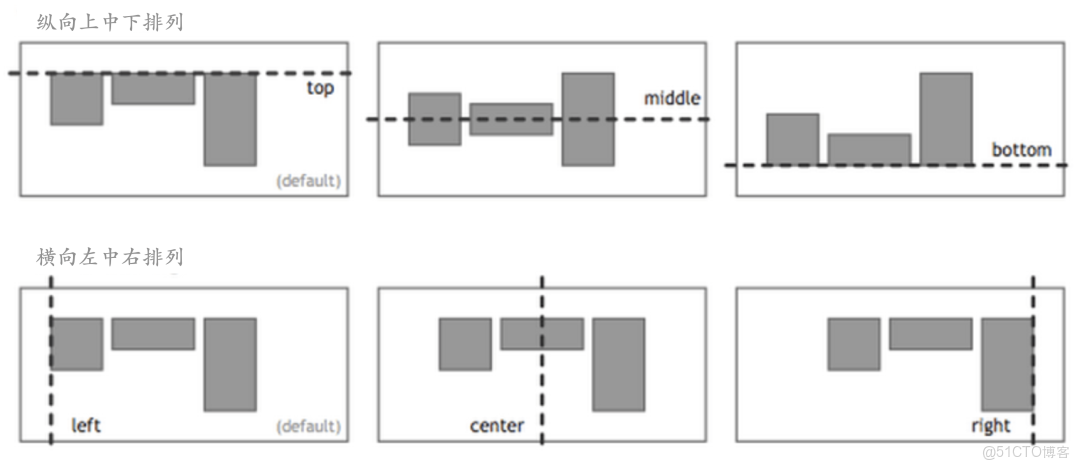
上面的佈局我們用flex都可以輕鬆幾行實現
一、骰子的佈局
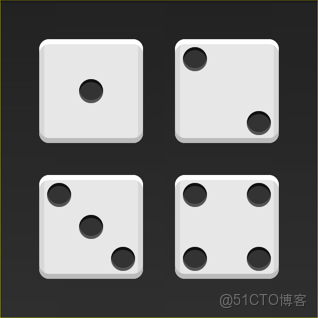
下面,就來看看Flex如何實現,從1個點到9個點的佈局。
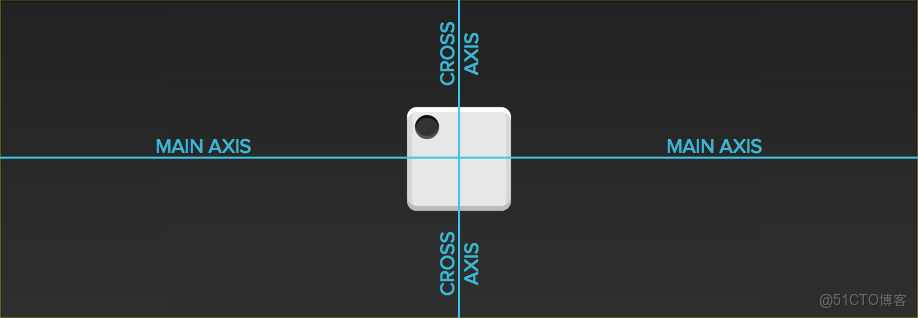
HTML模板如下
<div class="box">
  <span class="item"></span>
</div>
上面代碼中,div元素(代表骰子的一個面)是Flex容器,span元素(代表一個點)是Flex項目。如果有多個項目,就要添加多個span元素,以此類推。
1.1 單項目
首先,只有左上角1個點的情況。Flex佈局默認就是首行左對齊,所以一行代碼就夠了。
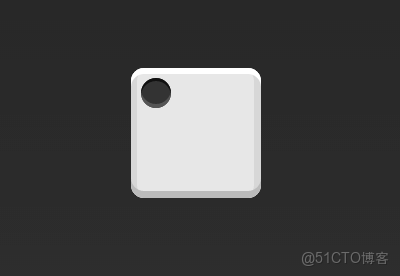
.box {
  display: flex;
}
橫向居中縱向居上
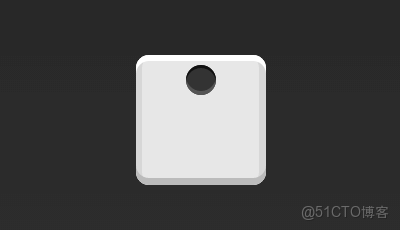
.box {
  display: flex;
  justify-content: center;
}
橫向居右縱向居上
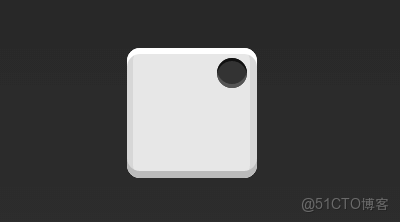
.box {
  display: flex;
  justify-content: flex-end;
}
橫向居左縱向居中
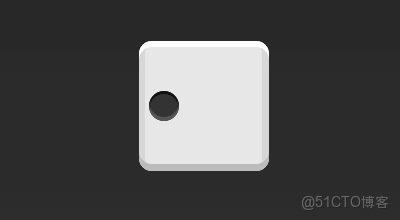
.box {
  display: flex;
  align-items: center;
}
橫縱居中
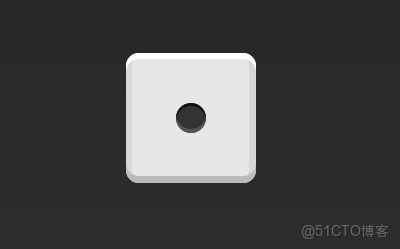
.box {
  display: flex;
  justify-content: center;
  align-items: center;
}
橫向居中縱向居下
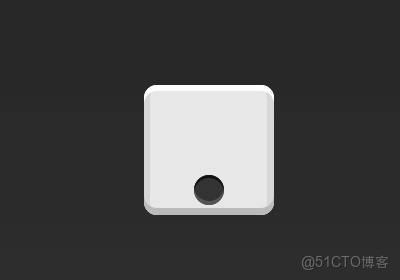
.box {
  display: flex;
  justify-content: center;
  align-items: flex-end;
}
橫向居右縱向居下
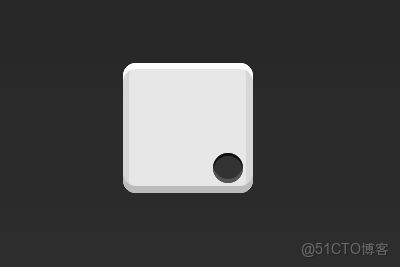
.box {
  display: flex;
  justify-content: flex-end;
  align-items: flex-end;
}
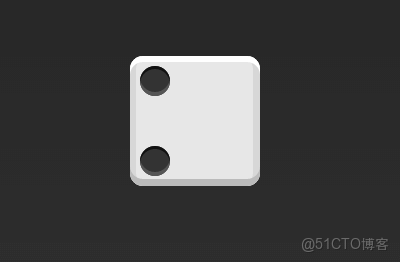
1.2 雙項目
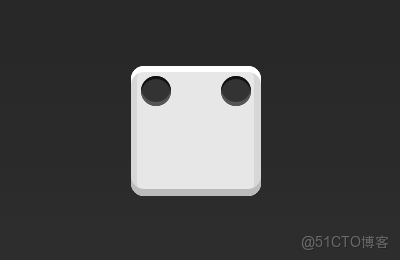
.box {
  display: flex;
  justify-content: space-between;
}
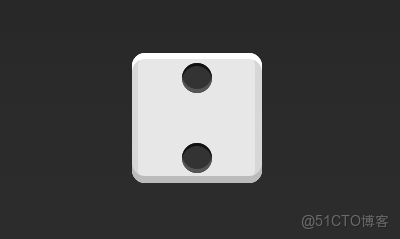
.box {
  display: flex;
  flex-direction: column;
  justify-content: space-between;
}
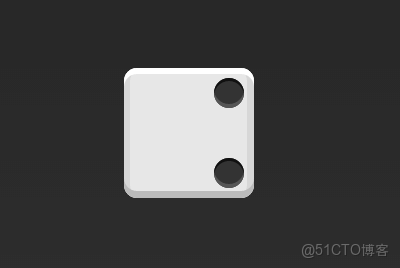
.box {
  display: flex;
  flex-direction: column;
  justify-content: space-between;
  align-items: center;
}
.box {
  display: flex;
  flex-direction: column;
  justify-content: space-between;
  align-items: flex-end;
}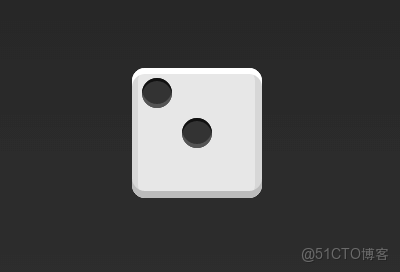
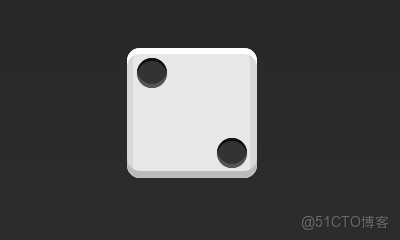
.box {
  display: flex;
}
.item:nth-child(2) {
  align-self: center;
}
.box {
  display: flex;
  justify-content: space-between;
}
.item:nth-child(2) {
  align-self: flex-end;
}
1.3 三項目
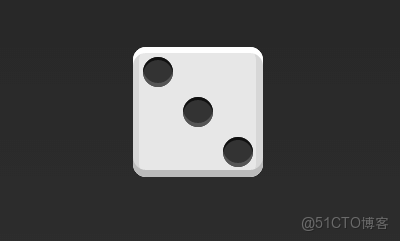
.box {
  display: flex;
}
.item:nth-child(2) {
  align-self: center;
}
.item:nth-child(3) {
  align-self: flex-end;
}
1.4 四項目
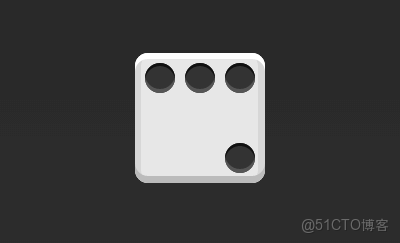
.box {
  display: flex;
  flex-wrap: wrap;
  justify-content: flex-end;
  align-content: space-between;
}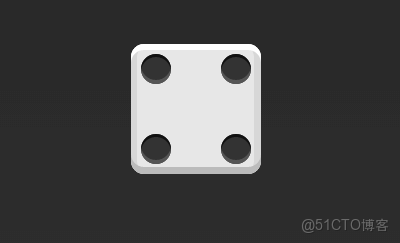
HTML代碼如下。
<div class="box">
  <div class="column">
    <span class="item"></span>
    <span class="item"></span>
  </div>
  <div class="column">
    <span class="item"></span>
    <span class="item"></span>
  </div>
</div>
CSS代碼如下。
.box {
  display: flex;
  flex-wrap: wrap;
  align-content: space-between;
}
.column {
  flex-basis: 100%;
  display: flex;
  justify-content: space-between;
}
1.5 六項目
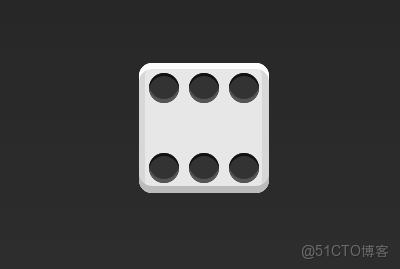
.box {
  display: flex;
  flex-wrap: wrap;
  align-content: space-between;
}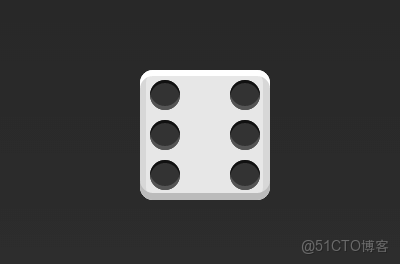
.box {
  display: flex;
  flex-direction: column;
  flex-wrap: wrap;
  align-content: space-between;
}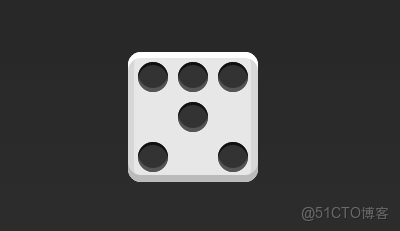
HTML代碼如下
<div class="box">
  <div class="row">
    <span class="item"></span>
    <span class="item"></span>
    <span class="item"></span>
  </div>
  <div class="row">
    <span class="item"></span>
  </div>
  <div class="row">
     <span class="item"></span>
     <span class="item"></span>
  </div>
</div>
CSS代碼如下
.box {
  display: flex;
  flex-wrap: wrap;
}
.row{
  flex-basis: 100%;
  display:flex;
}
.row:nth-child(2){
  justify-content: center;
}
.row:nth-child(3){
  justify-content: space-between;
}
1.6 九項目
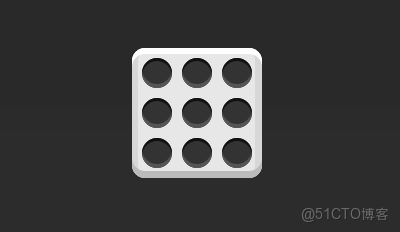
.box {
  display: flex;
  flex-wrap: wrap;
}
綜合示例
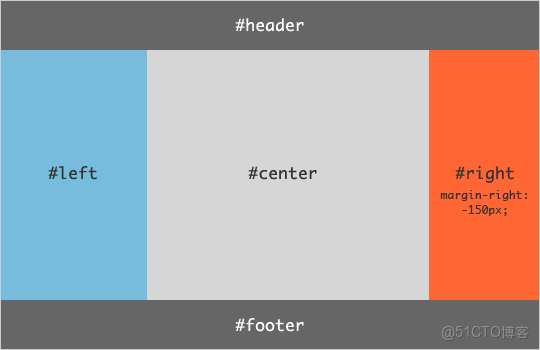
HTML代碼如下。
<body class="HolyGrail">
  <header>...</header>
  <div class="HolyGrail-body">
    <main class="HolyGrail-content">...</main>
    <nav class="HolyGrail-nav">...</nav>
    <aside class="HolyGrail-ads">...</aside>
  </div>
  <footer>...</footer>
</body>
CSS代碼如下。
.HolyGrail {
  display: flex;
  min-height: 100vh;
  flex-direction: column;
}
header,
footer {
  flex: 1;
}
.HolyGrail-body {
  display: flex;
  flex: 1;
}
.HolyGrail-content {
  flex: 1;
}
.HolyGrail-nav, .HolyGrail-ads {
  /* 兩個邊欄的寬度設為12em */
  flex: 0 0 12em;
}
.HolyGrail-nav {
  /* 導航放到最左邊 */
  order: -1;
}
如果是小屏幕,軀幹的三欄自動變為垂直疊加。
@media (max-width: 768px) {
  .HolyGrail-body {
    flex-direction: column;
    flex: 1;
  }
  .HolyGrail-nav,
  .HolyGrail-ads,
  .HolyGrail-content {
    flex: auto;
  }
}
以上這些佈局示例,能幫助大家更透徹地理解 Flex 各屬性的組合邏輯與實際用法。掌握了這些內容,基本上就能應對工作中大部分的佈局需求了。