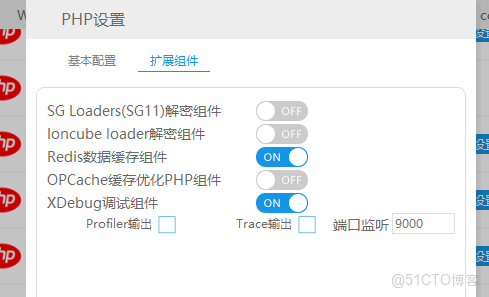
1,window開啓phpstudy的xdebug擴展,mac自行安裝xdebug擴展
2,檢查端口
3,配置文件
[Xdebug]
zend_extension=D:/phpstudy_pro/Extensions/php/php7.3.9nts/ext/php_xdebug.dll
xdebug.collect_params=1
xdebug.collect_return=1
xdebug.auto_trace=On
xdebug.trace_output_dir=D:/phpstudy_pro/Extensions/php_log/php7.3.9nts.xdebug.trace
xdebug.profiler_enable=On
xdebug.profiler_output_dir=D:/phpstudy_pro/Extensions/php_log/php7.3.9nts.xdebug.profiler
xdebug.remote_enable=On
xdebug.remote_autostart=1
xdebug.remote_host=192.168.1.20
xdebug.remote_port=9000
xdebug.remote_handler=dbgp
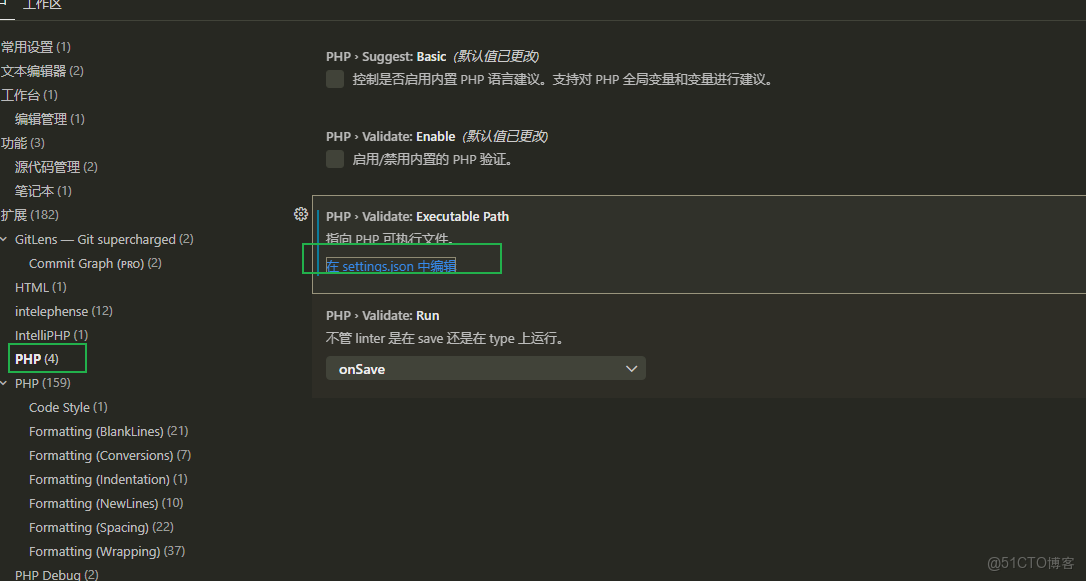
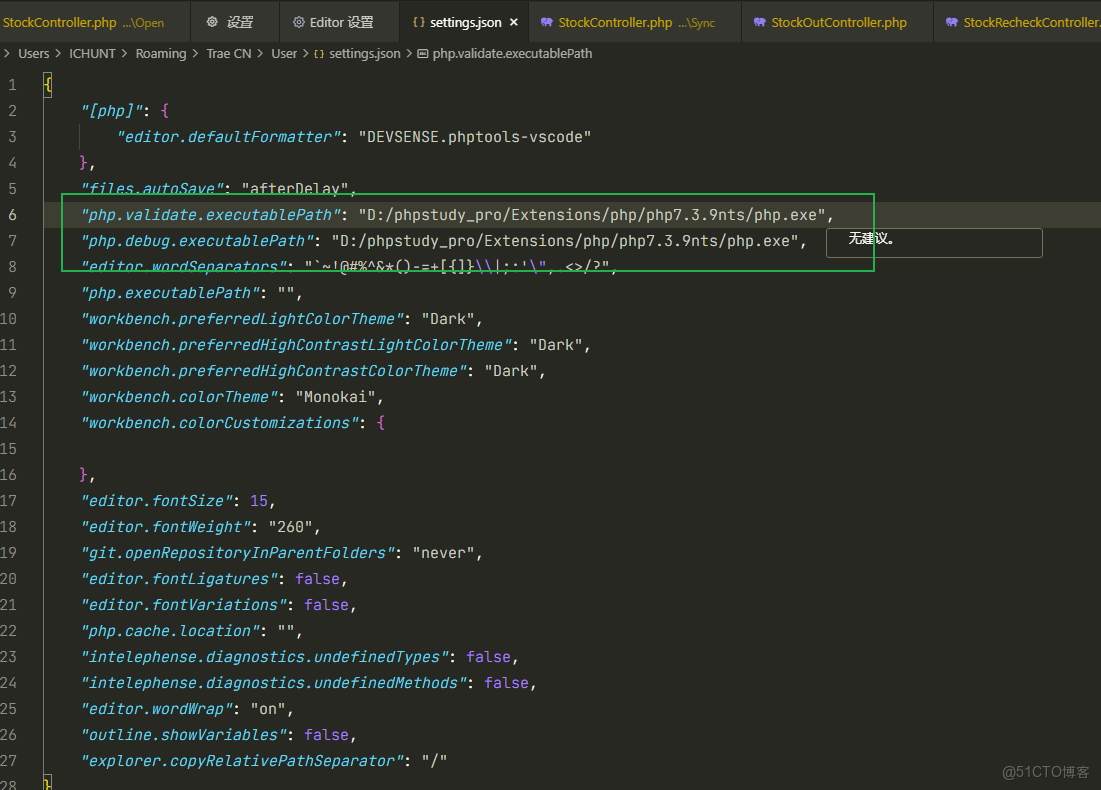
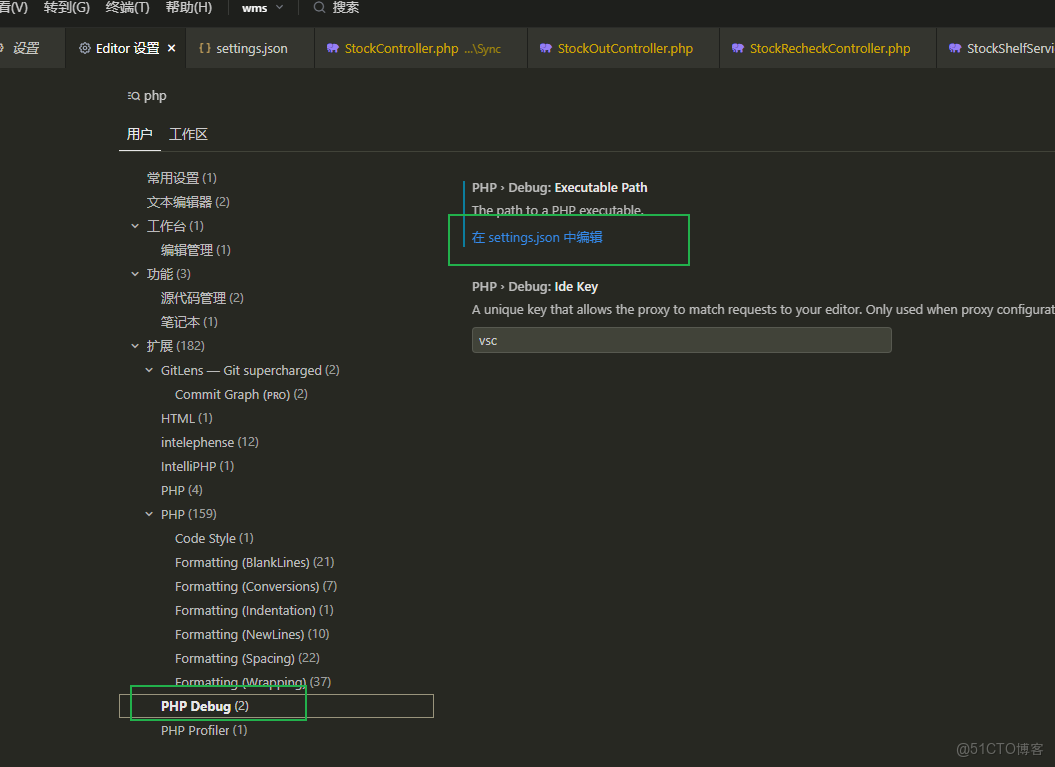
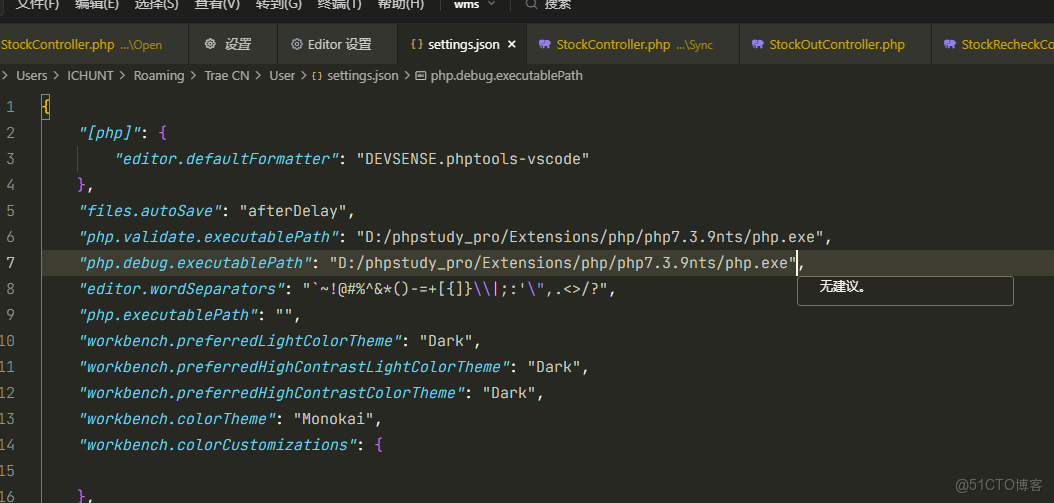
4,編輯器配置