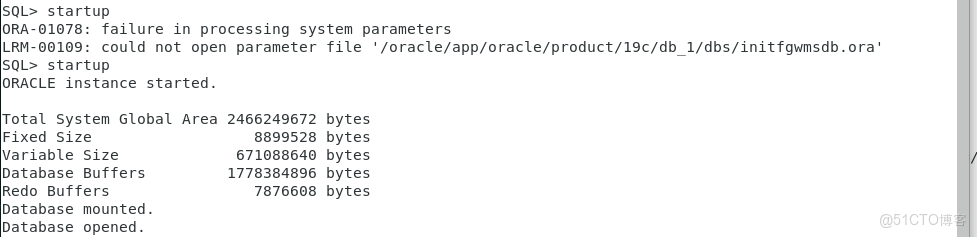
問題描述:
RHEL7上面裝有oracle 19c數據庫,但dbca 啓動過程中,報錯代碼 ORA-01078: failure in processing system parameters
LRM-00109: could not open parameter file '/oracle/app/oracle/product/19c/db_1/dbs/initfgwmsdb.ora'

解決步驟:
1、登錄Linux,切換到oracle用户下su - oracle,查詢lsnrctl服務是否開啓lsnrctl status
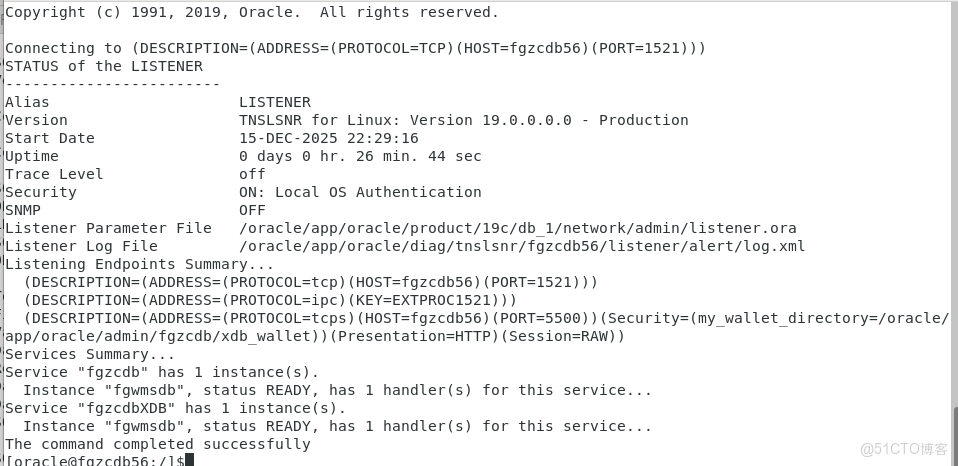
2、以上看到提示"The command completed successfully",則表示啓動成功,若監聽沒有啓動,則需要輸入lsnrctl start啓動監聽服務。
3、以system用户身份登陸oracle,sqlplus "/as sysdba",輸入用户名密碼,提示Connected to an idle instance。則表示連接成功。
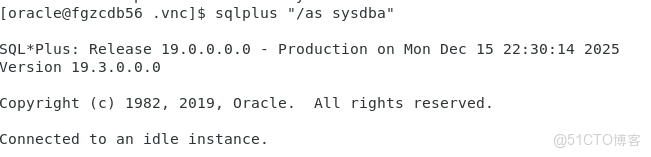
4、輸入startup命令,當看到如圖的提示信息:

5、服務器異常斷電導致的文件丟失,恢復即可,切換到用户rootsu - root,cd /oracle/app/oracle/admin/fgzcdb/pfile/,cp init.ora.1114202520228 /oracle/app/oracle/product/19c/db_1/dbs/initfgwmsdb.ora,cd /oracle/app/oracle/product/19c/db_1/dbs/,看一下是否拷貝過去了 ll
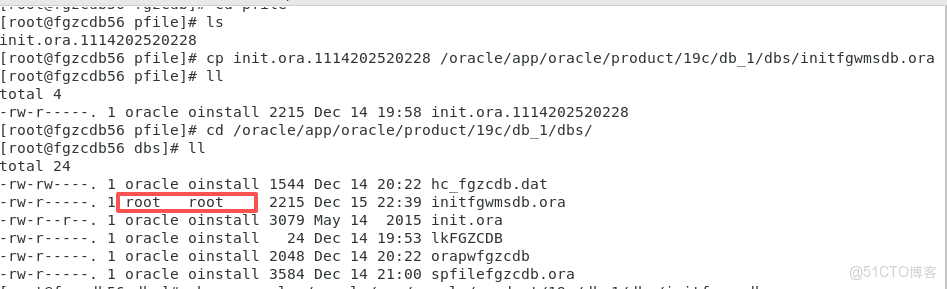
6、發現上圖新文件用户和用户組與其他文件不相同,修改它成一樣的用户和用户組:chown oracle /oracle/app/oracle/product/19c/db_1/dbs/initfgwmsdb.ora,chgrp oinstall /oracle/app/oracle/product/19c/db_1/dbs/initfgwmsdb.ora,再檢查看是否改好 ll
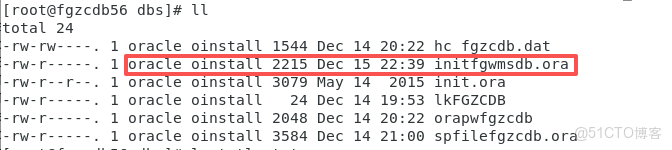
7、切換用户到oracle su - oracle,以system用户身份登陸oracle,sqlplus "/as sysdba",輸入用户名密碼,提示Connected to an idle instance,則表示連接成功,下面開始啓動oracle實例服務,輸入startup命令,當看到如圖的提示信息,則啓動完成。