

首先直接看成品效果

下面開始講解:
進入ngzorro組件庫官方網頁 https://ng.ant.design
點擊實驗性功能,找到調整尺寸
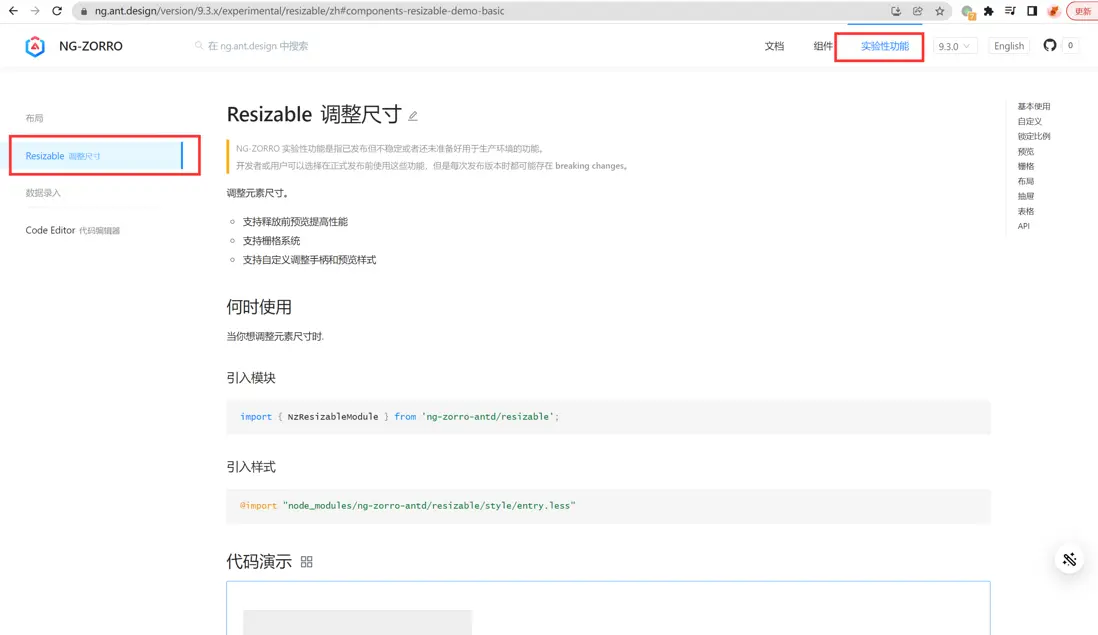
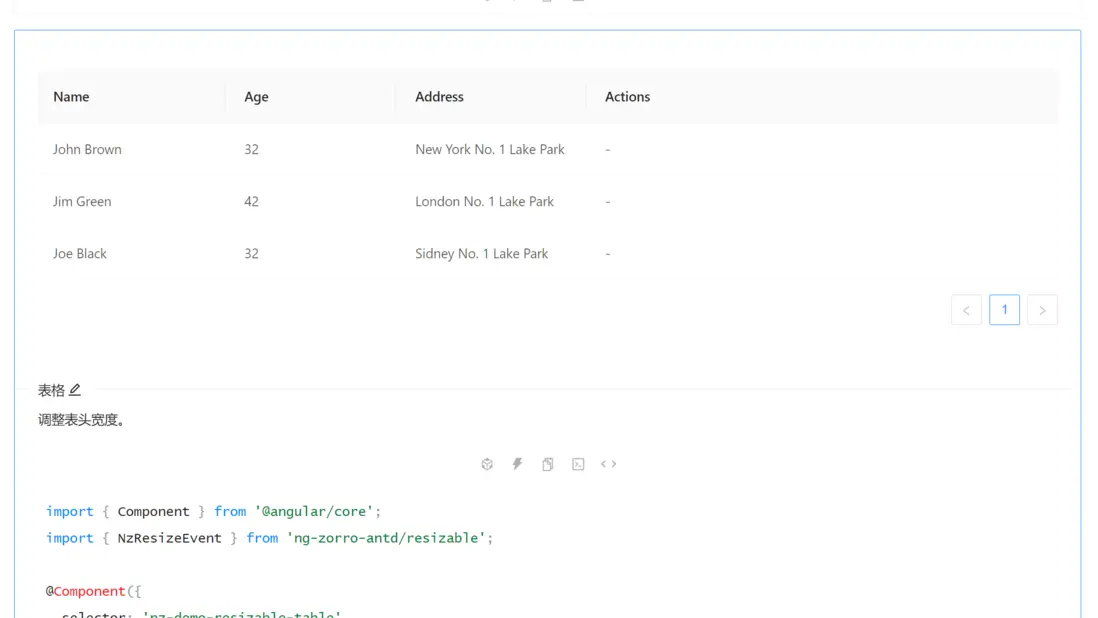
滾動到列表對應的地方,複製其相關的代碼
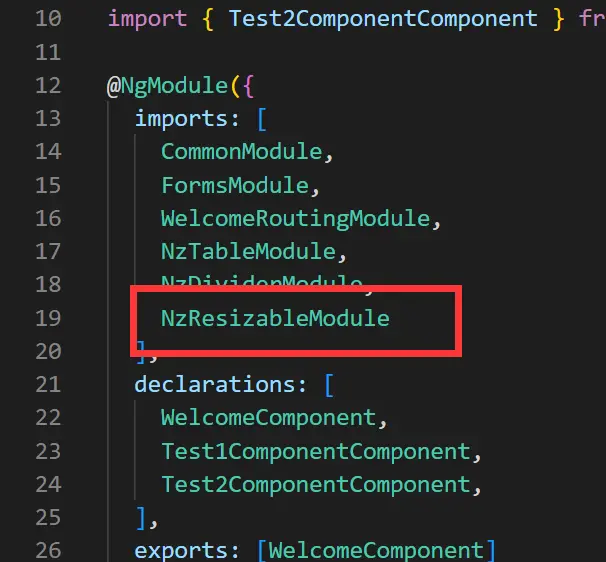
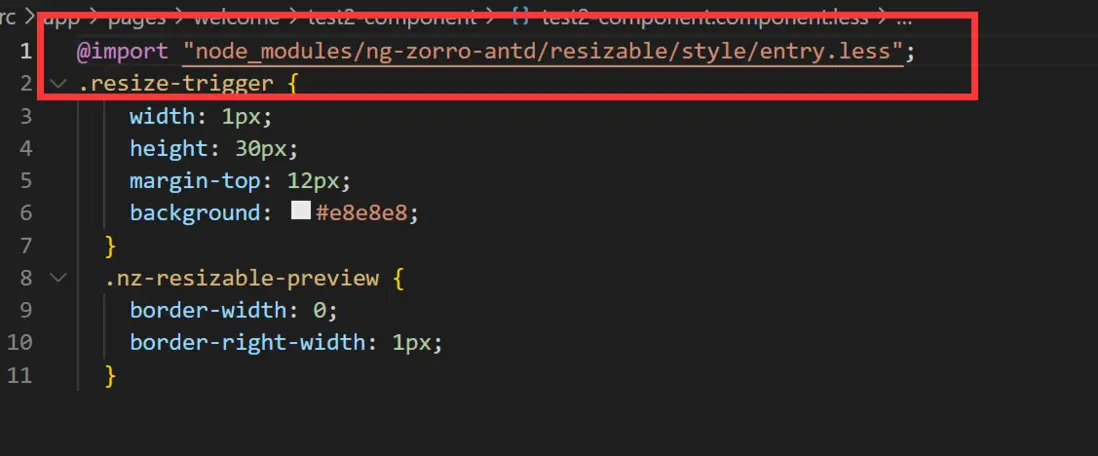
注意要在對應的模塊和樣式文件中引入對應的模塊和樣式,不然就會出問題
複製完後什麼都不動的話,頁面是這樣的

可以看到表格上有兩個豎線,很不美觀,我們先去掉其中一個豎線
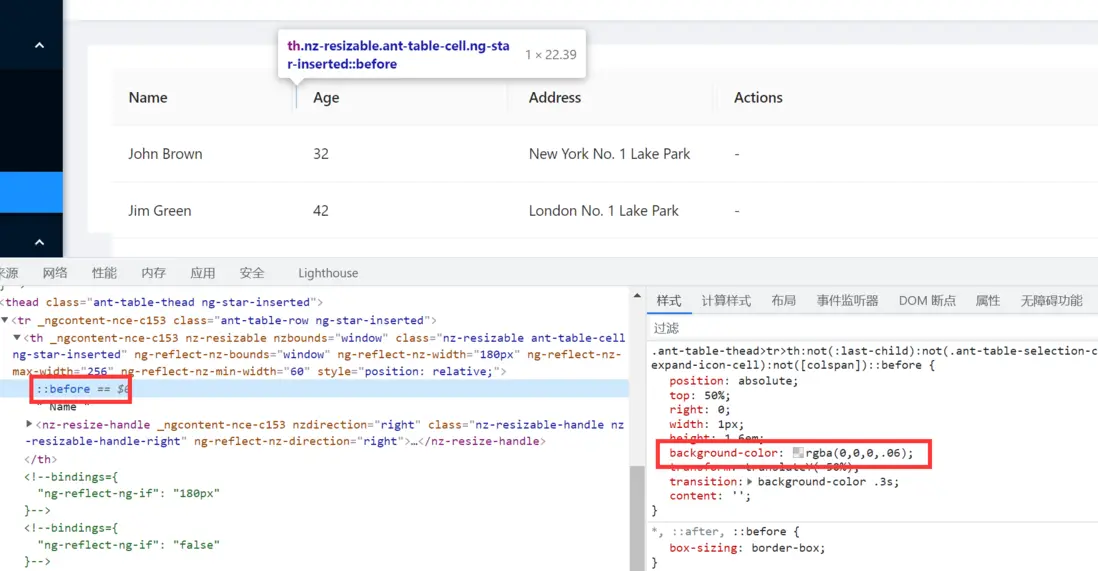
修改對應的樣式
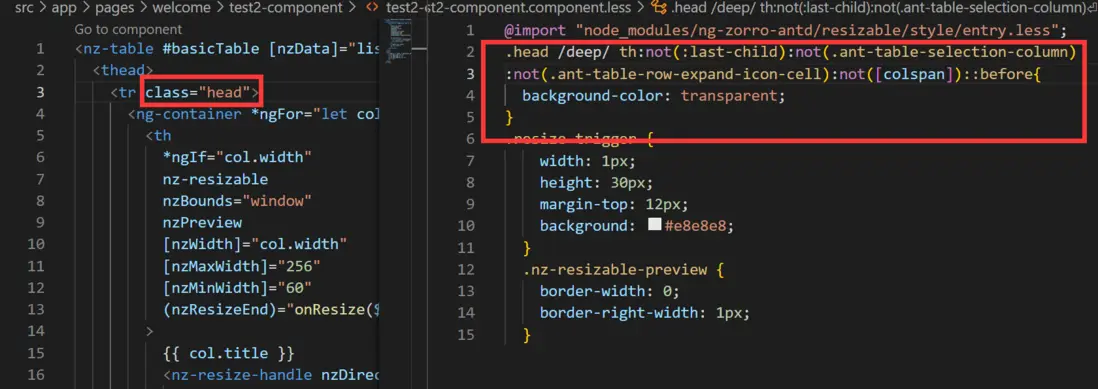
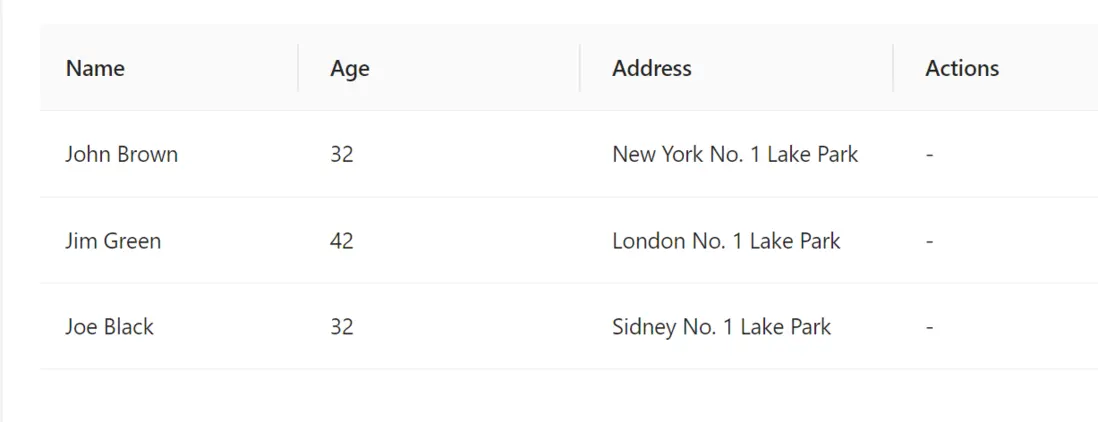
可以看到頁面表現正常了一點。
然後想要拖動的時候改變大小,而不是拖動結束以後改變大小,單純的修改觸發方式發現並不行
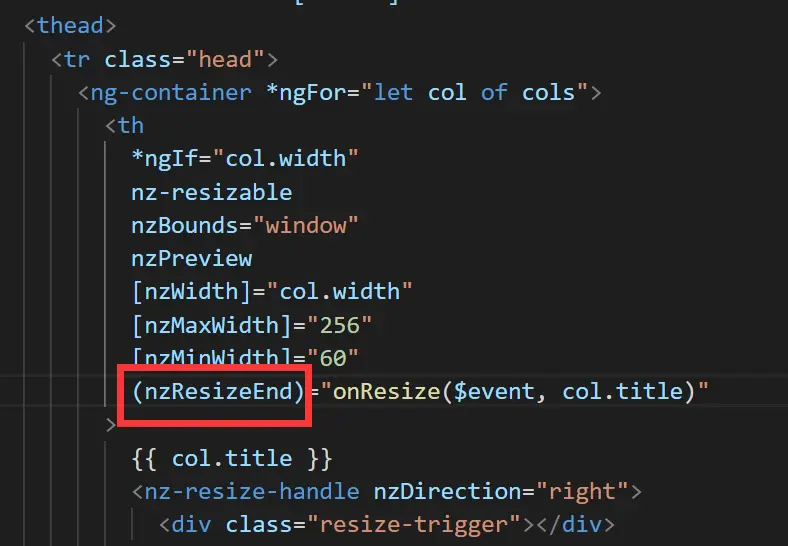
nzResizeEnd改為nzResize並不能實現效果,而且拖動結束以後也不能改變。
修改代碼
 onResize({ width }: NzResizeEvent, col: string): void {
    // this.cols = this.cols.map(e => (e.title === col ? { ...e, width: `${width}px` } : e));
    this.cols.map(e=>{
      if(e.title===col){
        e.width=`${width}px`
      }
    })
  }
這時候表格可以拖拽了

如果不想要點擊以後出現那一條豎線,把html中的nzPreview刪掉就行
現在來實現文字溢出顯示省略號功能

可以看到,只要設置包裹文字的容器的寬度隨着頂部的寬度隨動就行
核心代碼如下
//html
  <tbody>
    <tr *ngFor="let data of basicTable.data">
      <td>{{ data.name }}</td>
      <td>{{ data.age }}</td>
      <td >
        <div style="
        white-space: nowrap;
        overflow: hidden;
        text-overflow: ellipsis;
        " [ngStyle]="{'width':data.width}">
          {{ data.address }}
        </div>
      </td>
      <td>-</td>
    </tr>
  </tbody>
//ts
  listOfData:any = [
    {
      key: '1',
      name: 'John Brown',
      age: 32,
      address: 'New York No. 1 Lake Park'
    },
    {
      key: '2',
      name: 'Jim Green',
      age: 42,
      address: 'London No. 1 Lake Park'
    },
    {
      key: '3',
      name: 'Joe Black',
      age: 32,
      address: 'Sidney No. 1 Lake Park'
    }
  ];
  onResize({ width }: NzResizeEvent, col: string): void {
    // this.cols = this.cols.map(e => (e.title === col ? { ...e, width: `${width}px` } : e));
    this.cols.map(e=>{
      if(e.title===col){
        e.width=`${width}px`;
        this.listOfData.map((item:any)=>{
          item.width = `${width}px`;
        })
      }
    })
  }
這樣一個簡單的可調整寬度的列表就完成啦。
注意,表格中使用resizable組件的時候,容易出現各種小BUG,比如,筆者就曾遇到過使用了調整尺寸以後,ngzorro的table列表組件的左固定nzLeft屬性失效的bug,但是解決起來也並不複雜,nzLeft主要要是依靠position:sticky屬性實現,該bug會把position的屬性改為relative所以只要強制把要左固定的列的position屬性定為sticky就可以解決這個問題。
