

經常用到nodejs下載資源的情況(簡單的爬蟲),可以考慮直接使用nodejs內置的http/https模塊。
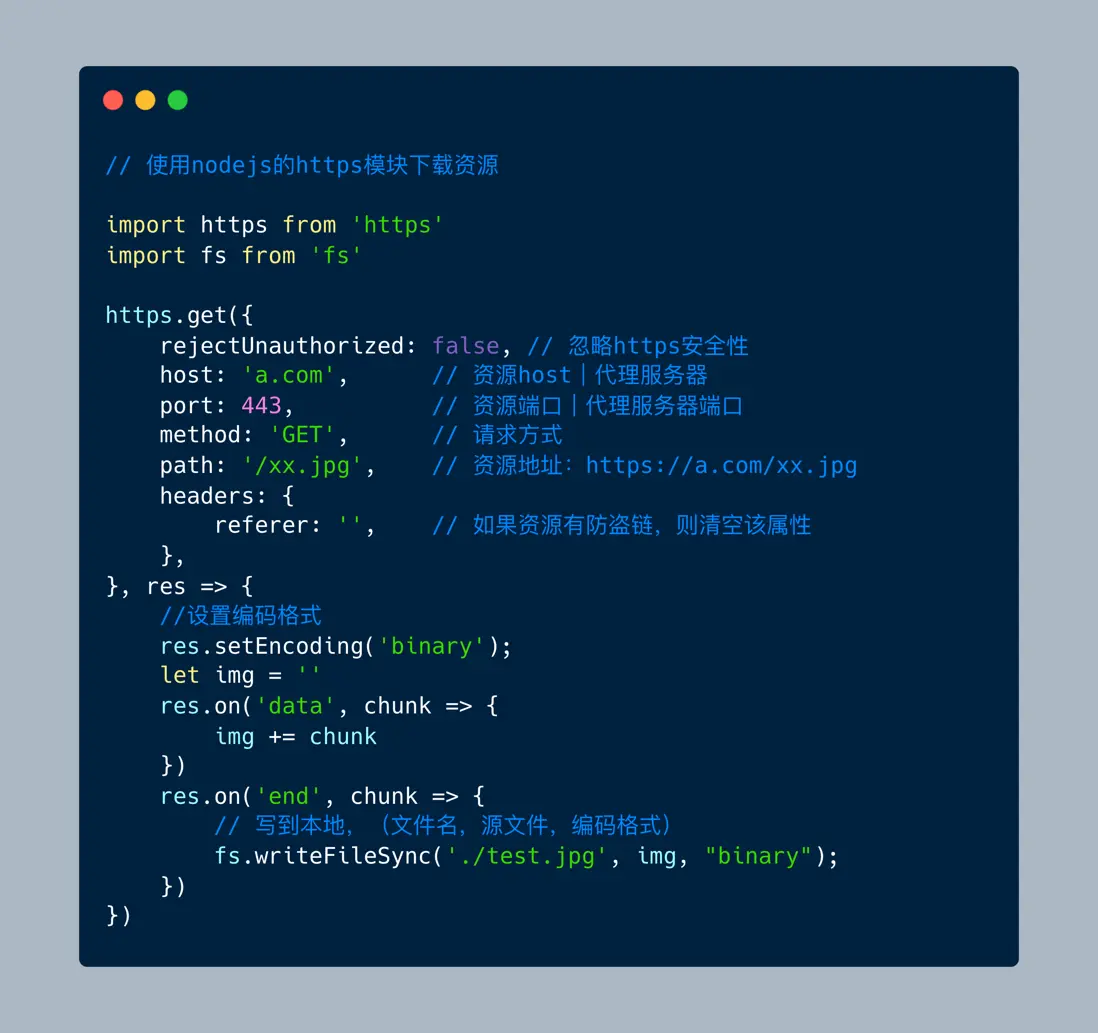
test.mjs
import https from 'https'
import fs from 'fs'
import URL from 'url'

let urlObj = URL.parse(url)
https.get({
    ...urlObj,
    rejectUnauthorized: false, // 忽略https安全性
    method: 'GET',        // 請求方式
    headers: {
        referer: '',    // 如果資源有防盜鏈,則清空該屬性
    },
}, res => {
    //設置編碼格式
    res.setEncoding('binary');
    let img = ''
    res.on('data', chunk => {
        img += chunk
    })
    res.on('end', chunk => {
        // 寫到本地,(文件名,源文件,編碼格式)
        fs.writeFileSync('./test.jpg', img, "binary");
    })
})
post數據
import http from 'http'
import URL from 'url'

async function post(url, dataStr) {
    let urlObj = URL.parse(url)
    return new Promise((resolve) => {
        const req = http.request({
            ...urlObj,
            method: 'POST',        // 請求方式
            headers: {
                'Content-Length': dataStr.length, // post必須填寫大小
                'Content-type': 'application/x-www-form-urlencoded', // 編碼格式
                referer: url,    // 如果資源有防盜鏈,則清空該屬性
            },
        }, res => {
            //設置編碼格式
            // res.setEncoding('binary');
            let data = ''
            res.on('data', chunk => {
                data += chunk
            })
            res.on('end', chunk => {
                resolve(data)
            })
        })

        // 發送數據
        req.write(dataStr);
        req.end();
    })
}