

1、首先windows10下我這邊環境是CPU環境,先得安裝anaconda
我用國內鏡像源進行安裝
https://mirrors.bfsu.edu.cn/a...
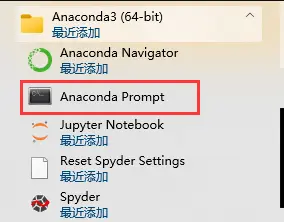
安裝後打開anaconda prompt進行鏡像源的配置,此處也可以不進行國內源配置,根據電腦情況:
conda config --add channels https://mirrors.tuna.tsinghua...
conda config --set show_channel_urls yes
conda create -n tensorflow python=3.7.1 --根據自己Python版本也就是TensorFlow的環境準備
activate tensorflow --激活tensorflow
2、之後安裝最新的tensorflow
pip3 install -i https://mirrors.aliyun.com/py... --upgrade tensorflow --default-timeout=600
也就是--upgrade tensorflow是獲取最新的鏡像版本,之後--default-timeout=600是怕下載時超時,此處tensorflow儘量安裝最新版本的,要不然使用的時候會提示異常
3、安裝完成後,則可以在pycharm裏面進行驗證使用
2.0版本此處tensorflow使用session需要降版本,採坑:
import tensorflow as tf
tf.compat.v1.disable_eager_execution()
hello = tf.constant('hello,tf')
sess = tf.compat.v1.Session()
print(sess.run(hello))
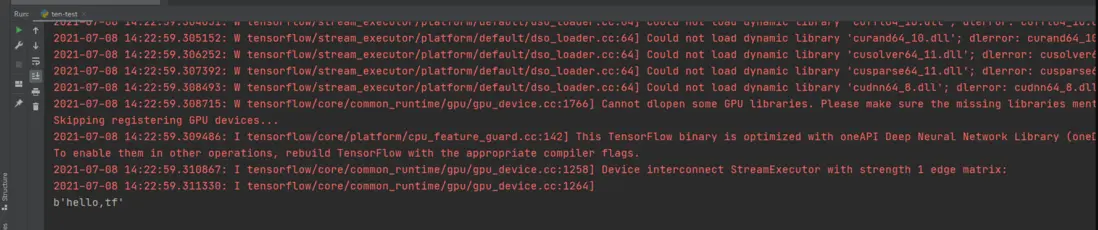
當打出hello時,證明運行成功!
希望對大家有幫助!
